For those who work in compliance, governance, or law, dealing with vast amounts of diverse data sources is a gargantuan task. This requires the right software and processes to help manage discoverable data.

eDiscovery helps with just that. With Microsoft Purview training, you can learn to maximise the software and set up your internal processes.
In this blog post, let me help answer questions like "What is eDiscovery?" Let's look at why it matters and the roles it can support.
What is Microsoft eDiscovery?
eDiscovery is the process of identifying, preserving, collecting, reviewing, and producing electronically stored information (ESI) for legal matters, investigations, and regulatory compliance.
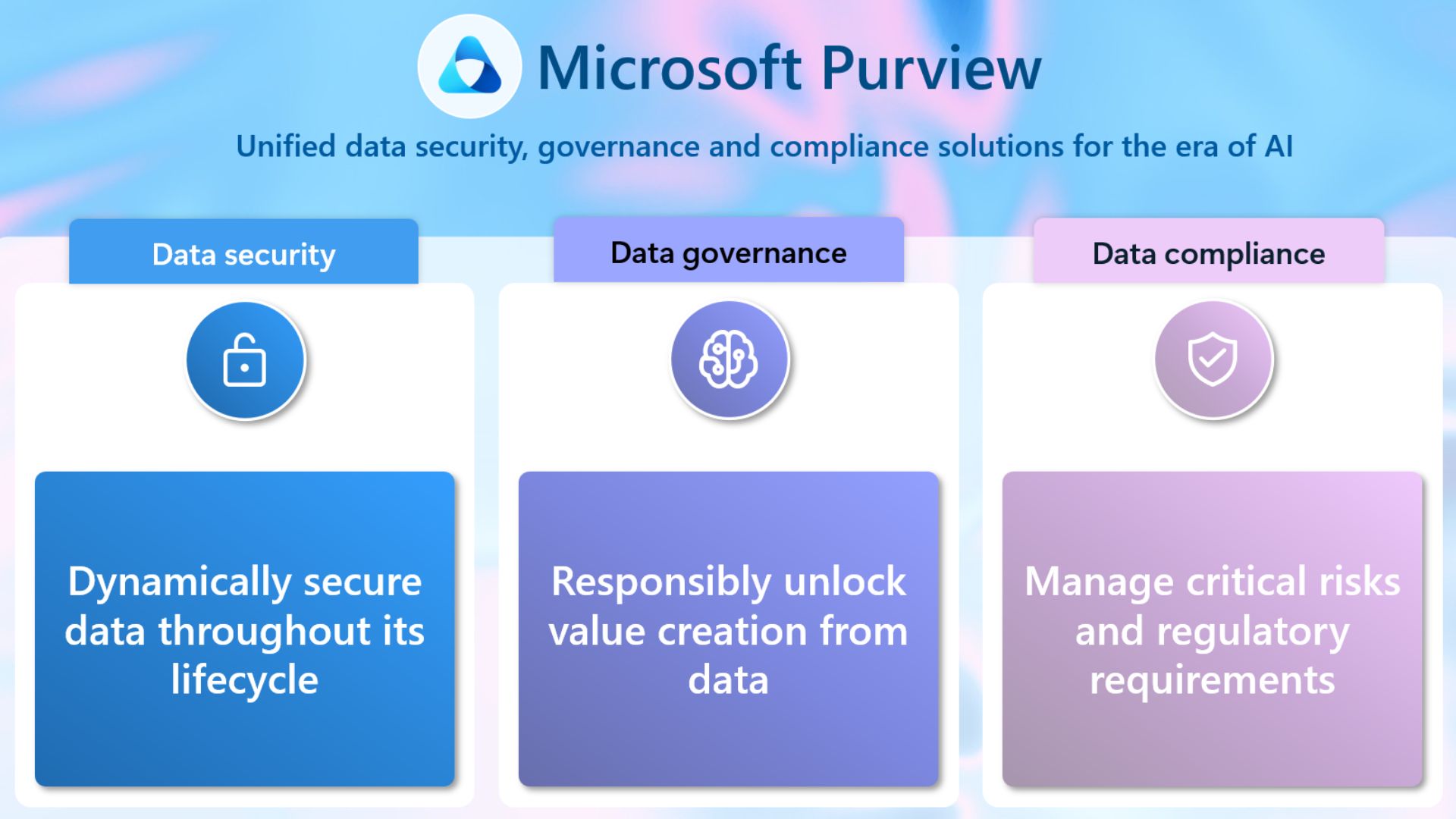
The process covers emails, chat messages, cloud documents, databases, mobile content, social media, and metadata. These are often used to corroborate and reconcile timelines and intent. Find eDiscovery use cases here.
The benefits of eDiscovery
Efficiency: Streamlines discovery across large, diverse data sources with automation and repeatable workflows.
Cost control: Reduces manual review effort with targeted collections, culling, analytics, and AI-assisted prioritisation.
Risk management: Prevents spoliation with legal holds, maintains the chain of custody, and enforces defensible processes.
Insight and strategy: Uncovers patterns, relationships, and key communications to inform legal strategy and settlement posture.
Modern data coverage: Handles SaaS, mobile, collaboration platforms, and cloud storage - where most business communication lives.
How to Implement eDiscovery
If you're interested in putting Microsoft eDiscovery into place, you can do it in five phases. Learn more about this process through Microsoft Purview training.
Phase 1: Identify data sources
Landscape mapping: Email, collaboration tools (Teams/Slack), cloud storage (SharePoint/OneDrive/Google Drive), endpoints, mobile, archives, and line-of-business apps.
Metadata awareness: Plan to preserve and use metadata like timestamps, authorship, versions, and permissions.
Phase 2: Preserve data
Legal holds: Issue defensible holds that prevent deletion or alteration; track custodians and acknowledgement.
Retention harmony: Align eDiscovery needs with retention policies to avoid accidental data loss and over-preservation.
Phase 3: Collect securely
Targeted collections: Scope to custodians, date ranges, and search terms; log chain of custody.
Defensibility: Use platform-native and forensically sound methods to avoid altering source content.
Phase 4: Review and analyse
Review sets: Centralise content for searching, tagging, analytics, deduplication, threading, and privilege workflows.
AI assistance: Employ technology-assisted review (TAR), predictive coding, and communication analytics to prioritise high-value material.
Phase 5: Produce for legal use
Production formats: Deliver in accepted formats (native, text, images, load files), with clear metadata and Bates numbering.
Privilege protection: Apply redactions and privilege logs; validate completeness and accuracy before production.
Roles in eDiscovery
Thinking of forming a team? In Microsoft Purview eDiscovery, both eDiscovery Managers and eDiscovery Administrators have different levels of permission and responsibilities. You can equip each role with the right skills through Microsoft Purview training.
eDiscovery Manager
Can create, manage, and execute eDiscovery cases but within the scope assigned to them.
Has access only to the specific cases they are assigned to.
Can search, add a placeholder, and export data for investigation purposes.
Typically assigned to compliance officers, legal teams, or IT staff handling specific eDiscovery cases.
eDiscovery Administrator
Has full control over all eDiscovery cases across the organisation.
Can assign eDiscovery Managers and define their permissions.
Can access, edit, and manage all cases, even those they did not create.
Can set up eDiscovery policies and manage organisation-wide legal compliance.
Reviewer
Document decisions: Assesses relevance, responsiveness, confidentiality, and privilege; can apply consistent tagging and coding.
Quality control: Flags anomalies, trains AI models (where applicable), and supports second-level reviews and privilege checks.
Workflow discipline: Works within review sets, adheres to protocols, and contributes to defensible outcomes.
Get started with Microsoft Purview eDiscovery Training
Modern eDiscovery is a disciplined, technology-enabled process. When organisations define clear roles (Manager, Administrator, Reviewer), build robust review sets, and leverage AI within cloud-native platforms, they gain speed, reduce cost, and strengthen defensibility.
You can equip each role with the right skills through Microsoft Purview training with Lumify Work. These 1-day courses prepare you for an Applied Skills credential, too.
Microsoft SC-5003 - Implement Information Protection and Data Loss Prevention with Microsoft Purview - Gain the skills to use Microsoft Purview to improve your data security in Microsoft 365.
Microsoft SC-5007 - Retention, eDiscovery and Communication Compliance in Microsoft Purview - Learn how to manage data lifecycle, records management, eDiscovery, and communication compliance with Microsoft Purview.
As part of Lumify Group, Lumify Work has skilled more people in Microsoft technologies than any other organisation in Australia, New Zealand and the Philippines.
Learn from the recipients of the Microsoft MCT Superstars Award for FY24, which formally recognises those with the highest quality Microsoft Certified Trainers in ANZ. Contact us today. Access our eBook on cloud computing to learn about related technologies.